Everything related to your invoices — updating details, checking history, and troubleshooting missing invoices — lives in one place.
| Task | Where to do it |
|---|
| Update invoice details (name, address, tax) | Account Settings > Billing |
| Change billing address | Account Settings > Billing |
| Change invoice email | Account Settings > Billing > Invoice preferences |
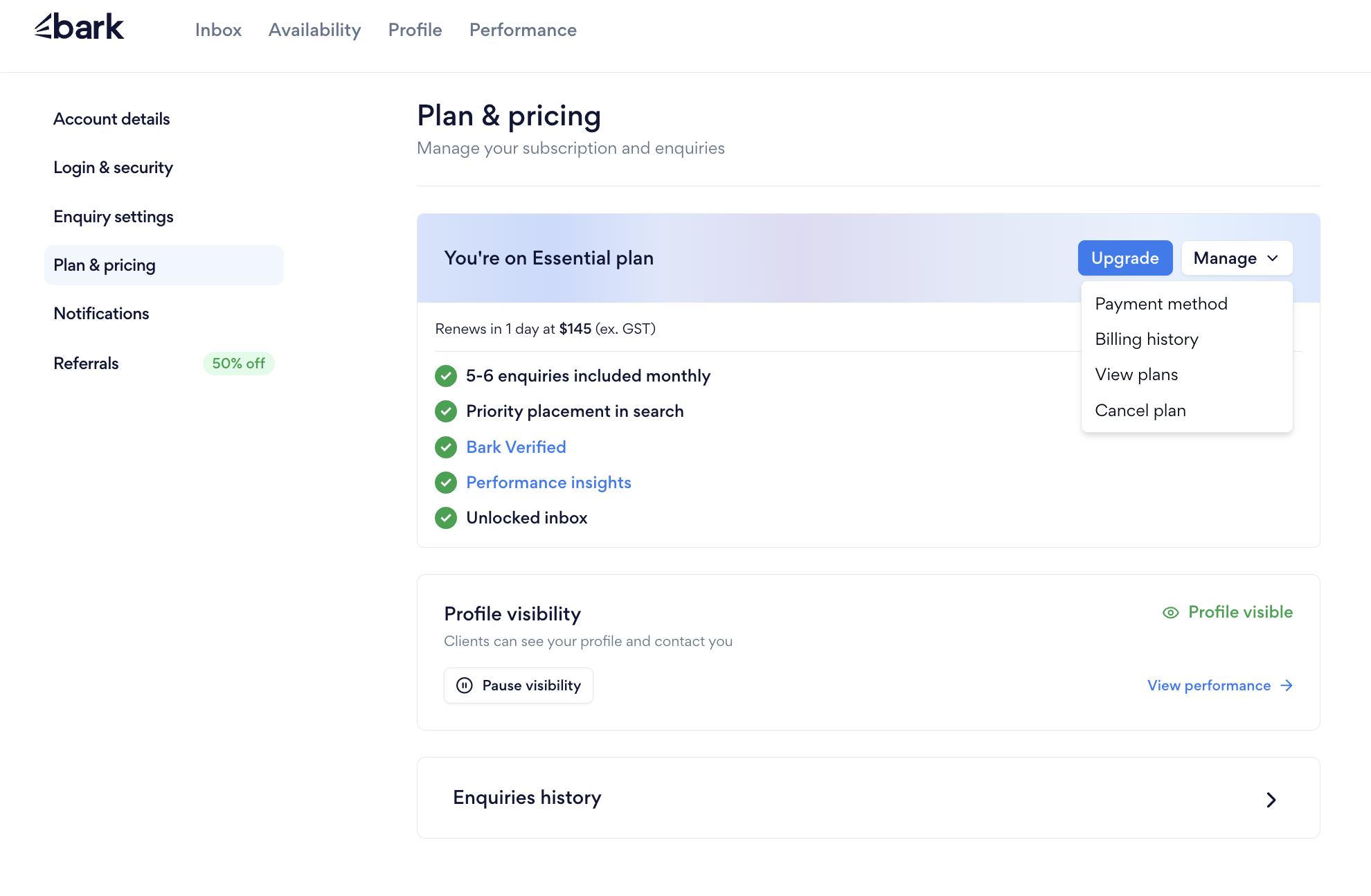
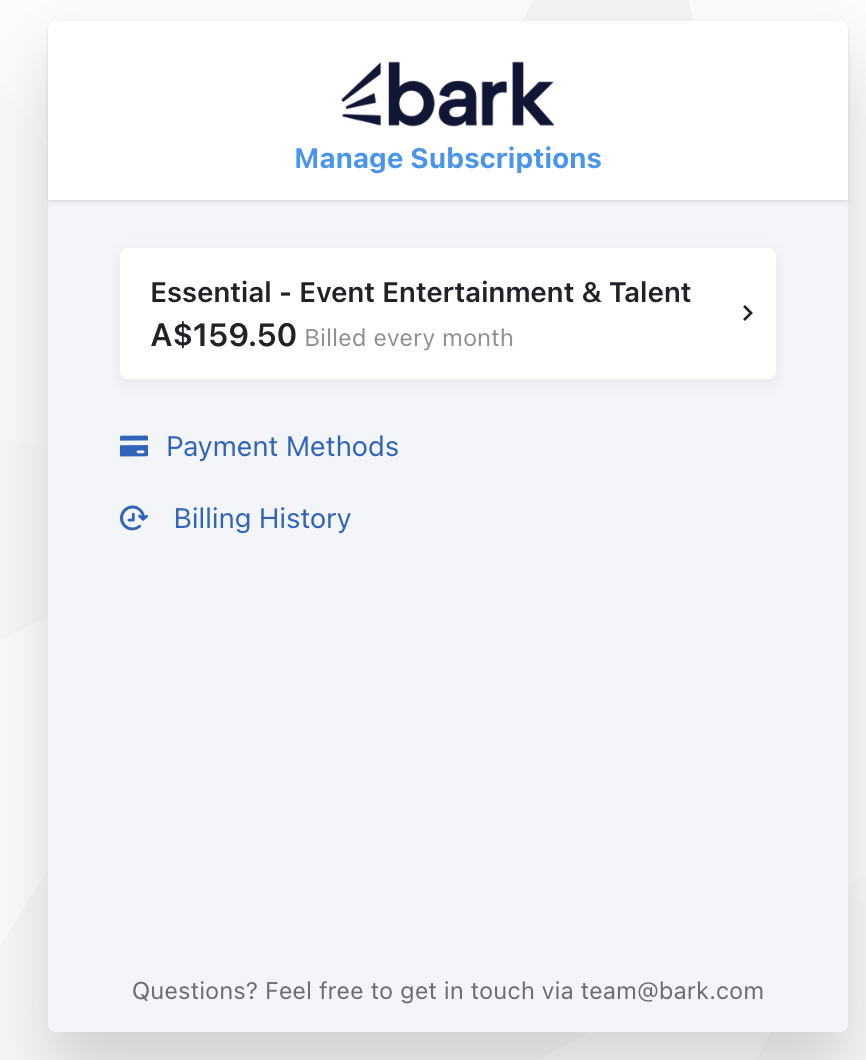
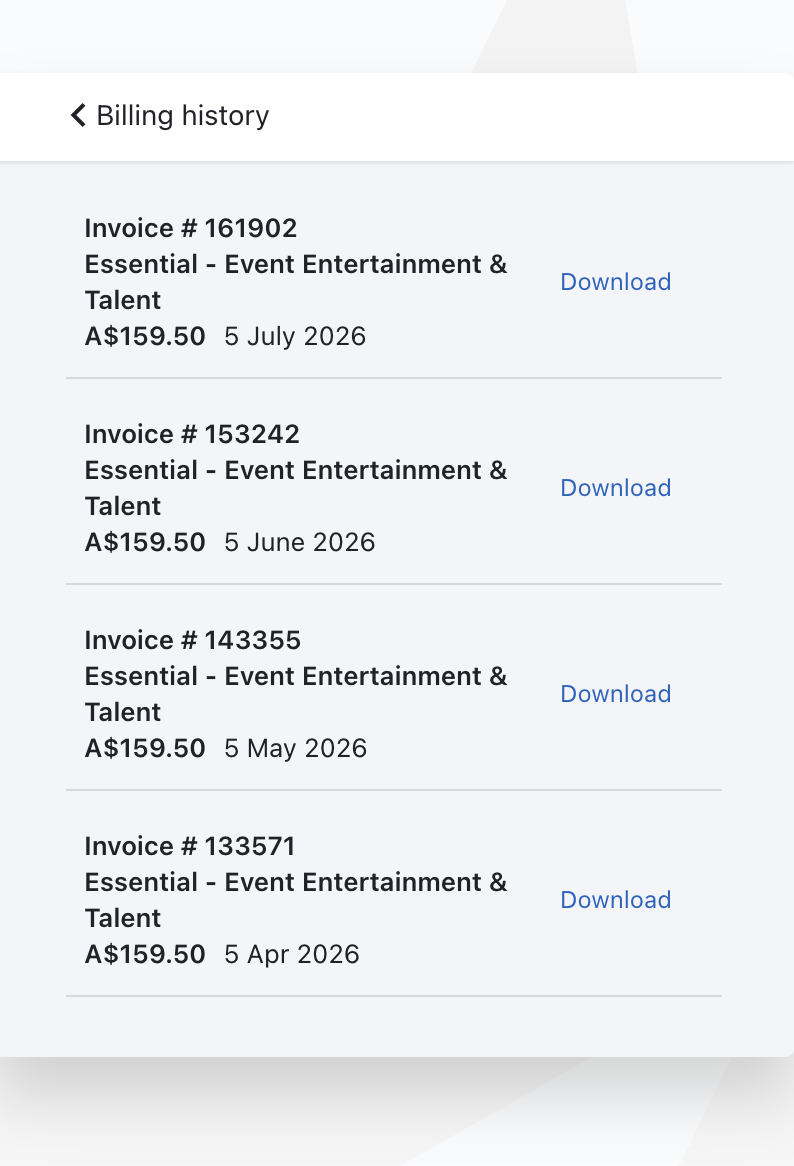
| View/download past invoices | Plan & Pricing > Manage > Billing History |
| 💡 Invoices are typically sent instantly, or within 30 minutes of purchase. |
| ⚠️ Billing History is only accessible while your subscription is active — not before you subscribe or after it ends. |
If you didn't receive your invoice, check:
- Your spam or junk folder.
- Whether your invoice email address is out of date.
Updated
Was this article helpful?
0 out of 0 found this helpful
Have more questions? Submit a request